Return to All Articles
Article Sections
1. Getting Started
2. Leads
3. Library
4. Sales Template
5. Estimate
6. Proposal
7. Invoice
8. Change Order
9. Organization Management
10. Team Management
Mobile Setup
Learn how to set up your mobile device for optimal use.
By Erro Support | 05/31/2026
3 min read
Getting Started
1. Go to Erro on Your Mobile Device
Start by navigating to https://errobuilt.com/dashboard on your mobile device's web browser. Sign in to your account if you haven't already.
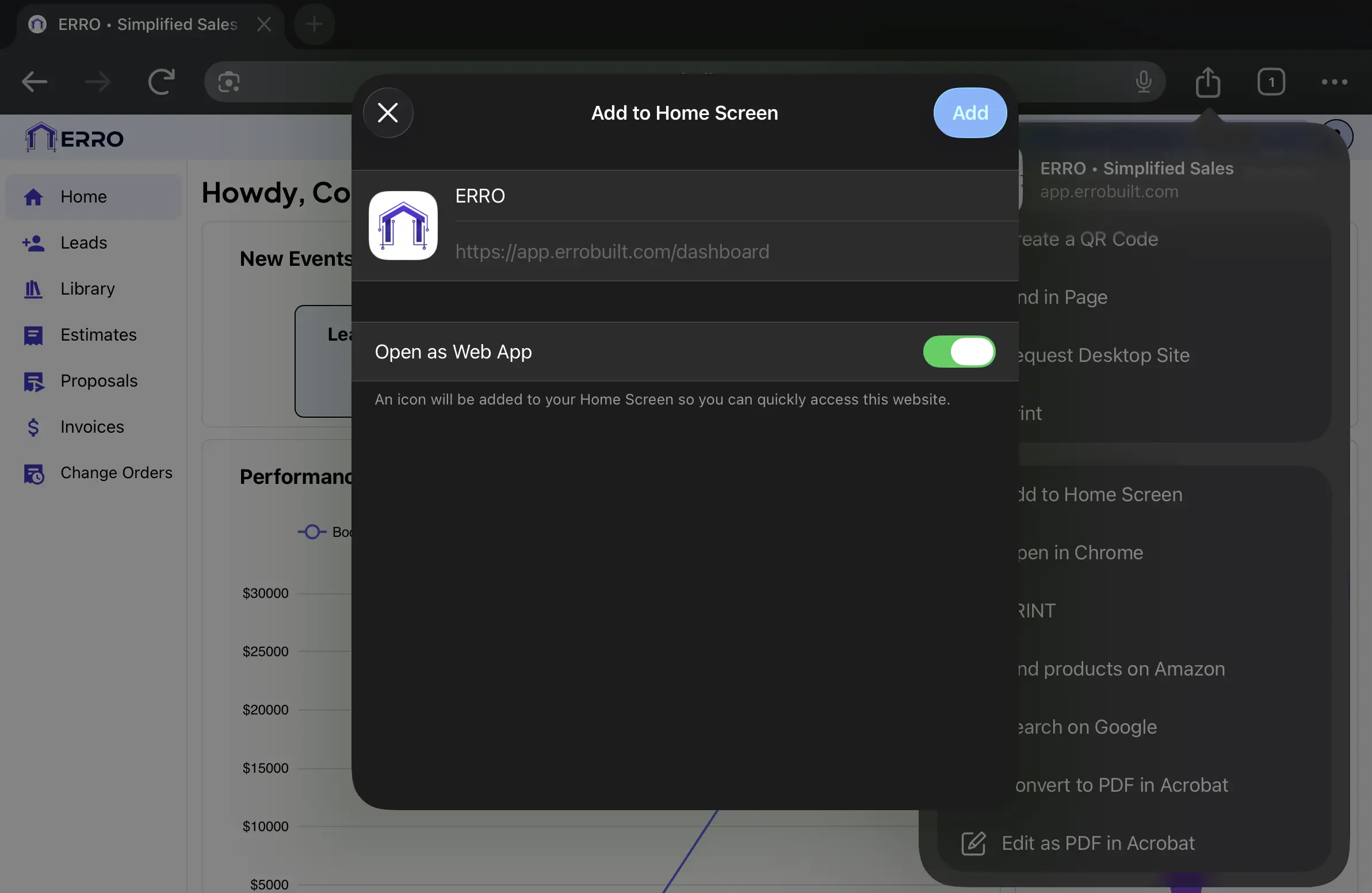
2. For iOS Users: Add to Home Screen
Tap the 'Share' button in your iOS device's browser and select 'Add to Home Screen' for quick access to Erro from your iOS device's home screen.
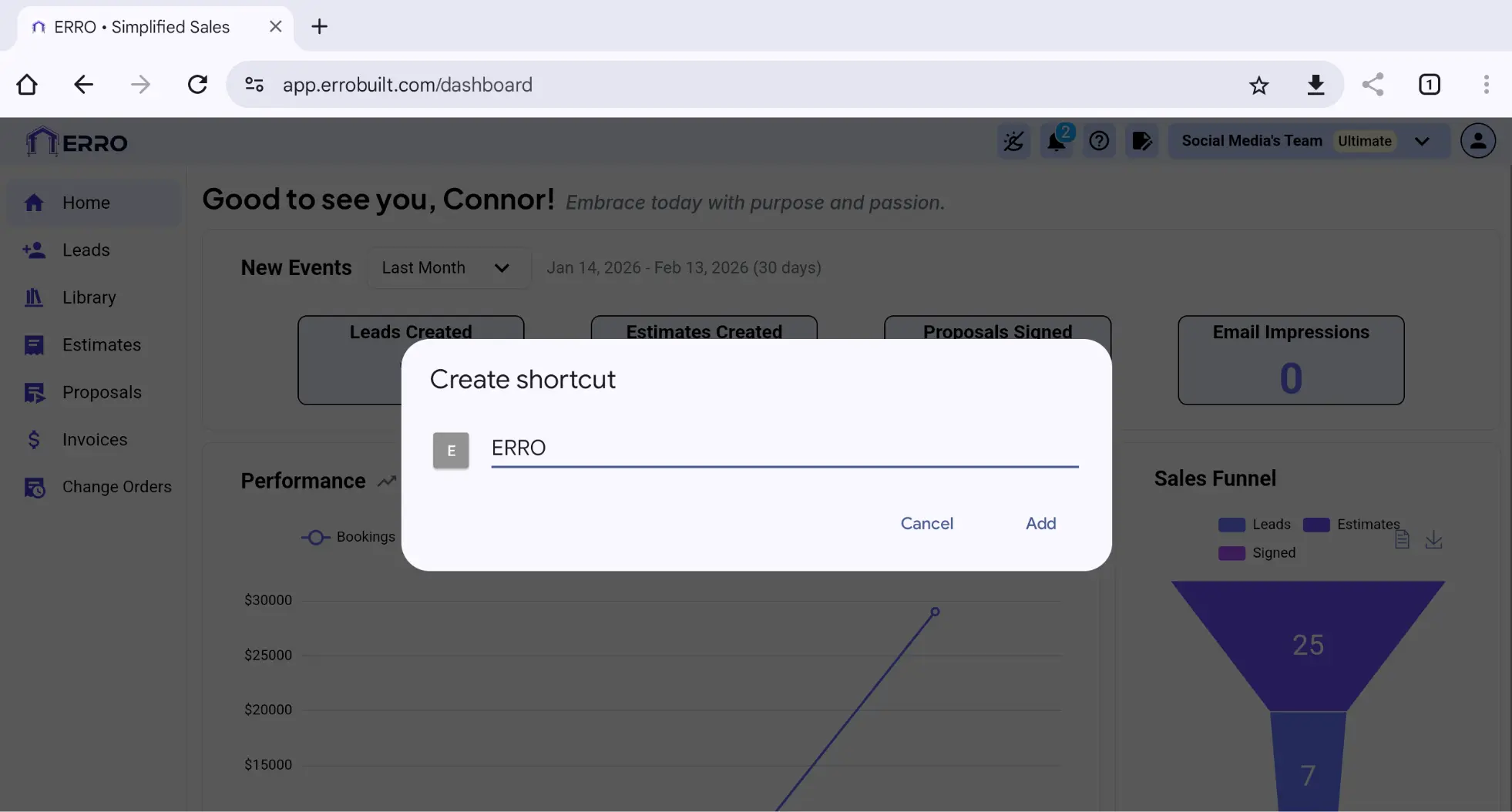
3. For Android Users: Create a Shortcut
Tap the 'Menu' button in your Android browser and select 'Add to Home Screen' for quick access to Erro from your Android home screen.
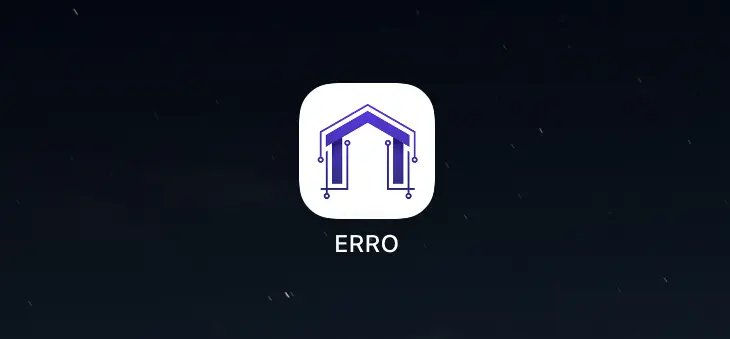
4. Verify Application on Mobile Device
Go to your mobile device's home screen and open the Erro shortcut you just created.
Other Getting Started Articles
Explore more articles to help you get the most out of Erro.
Account Setup
Get started with your new account.
Getting Started
3 min read
1/25/2026

Erro Support
QuickStart Guide
Go from lead to invoice in one simple walkthrough
Getting Started
30 min read
1/25/2026
Erro Support